How to Buy Digitals/Prints
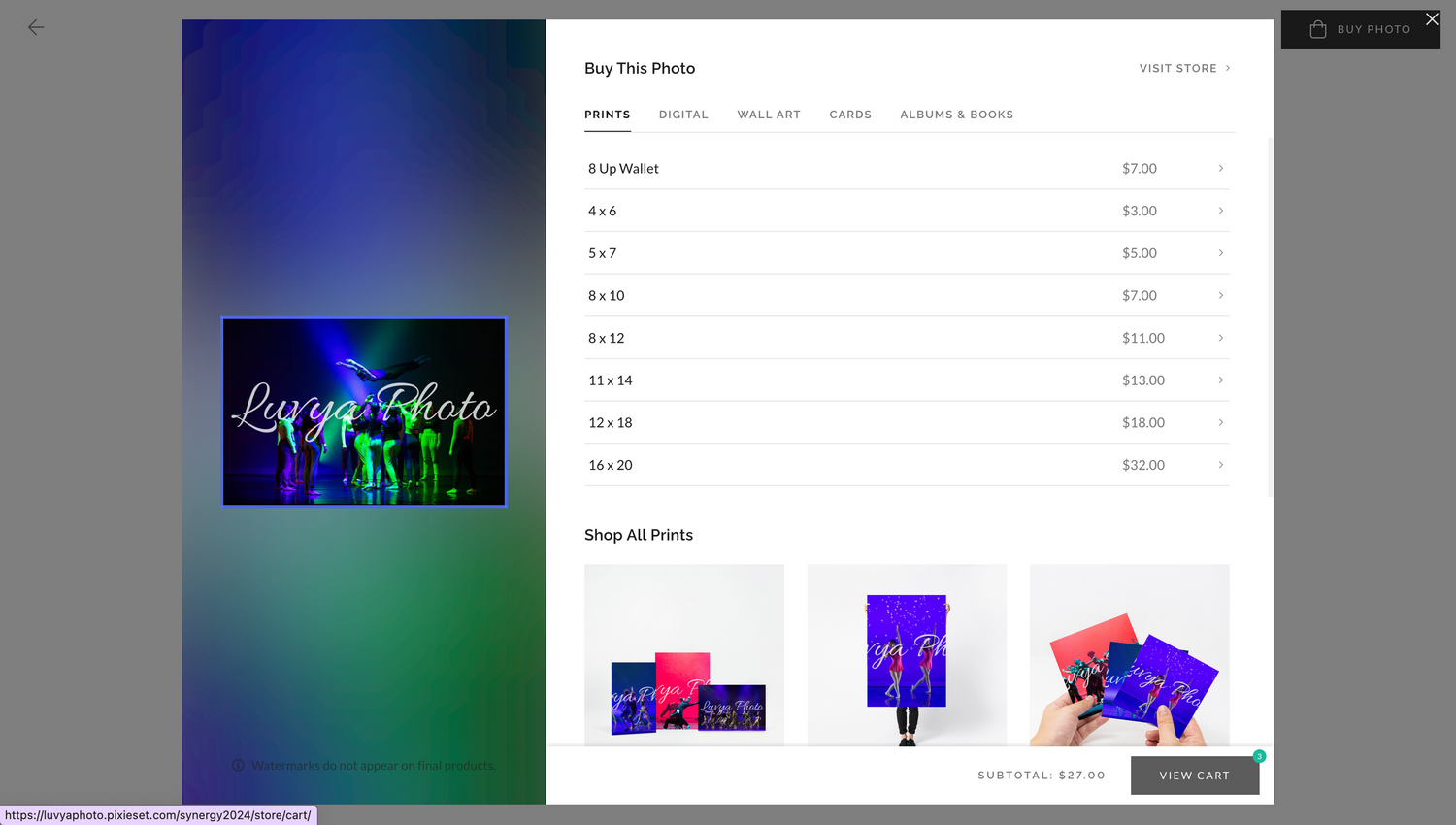
1.Browse through gallery and click on a specific photo in the gallery you would like to purchase a digital download or print. Then click on “Buy Photo” or the shopping bag icon.
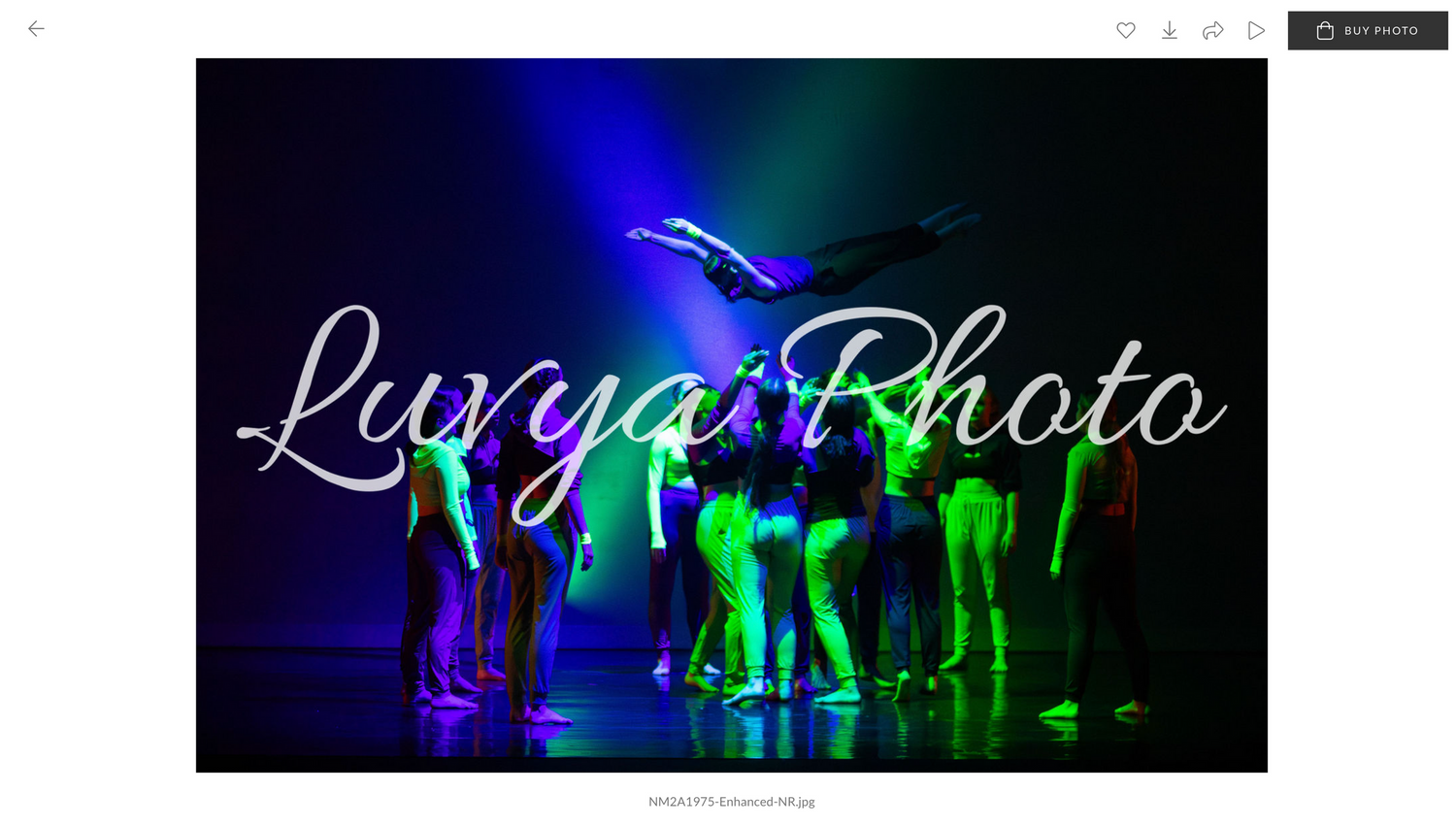
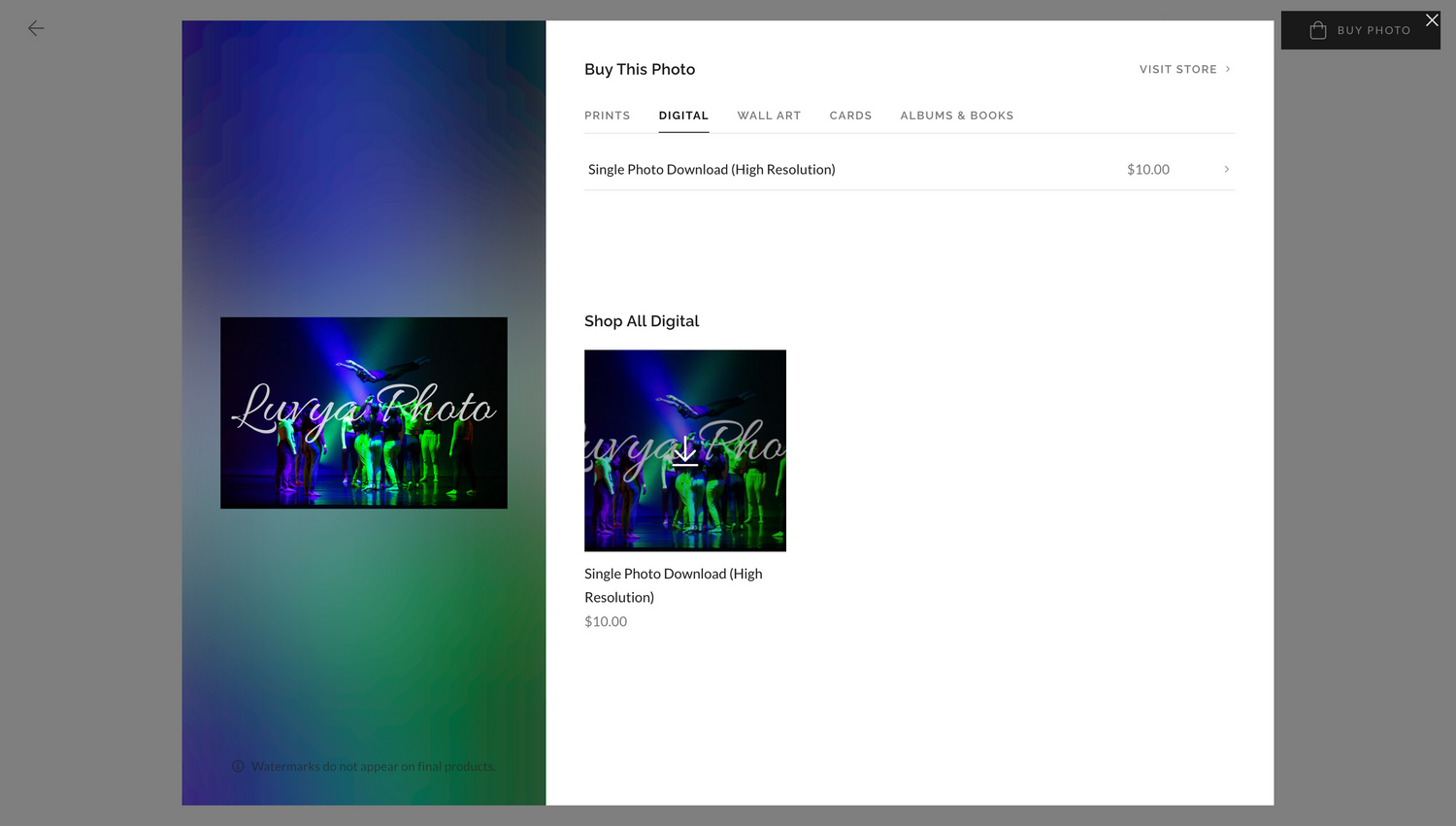
2.Select which type of product you would like to buy whether it be a Print, Digital Download, Wall Art, Cards, or Albums & Books.
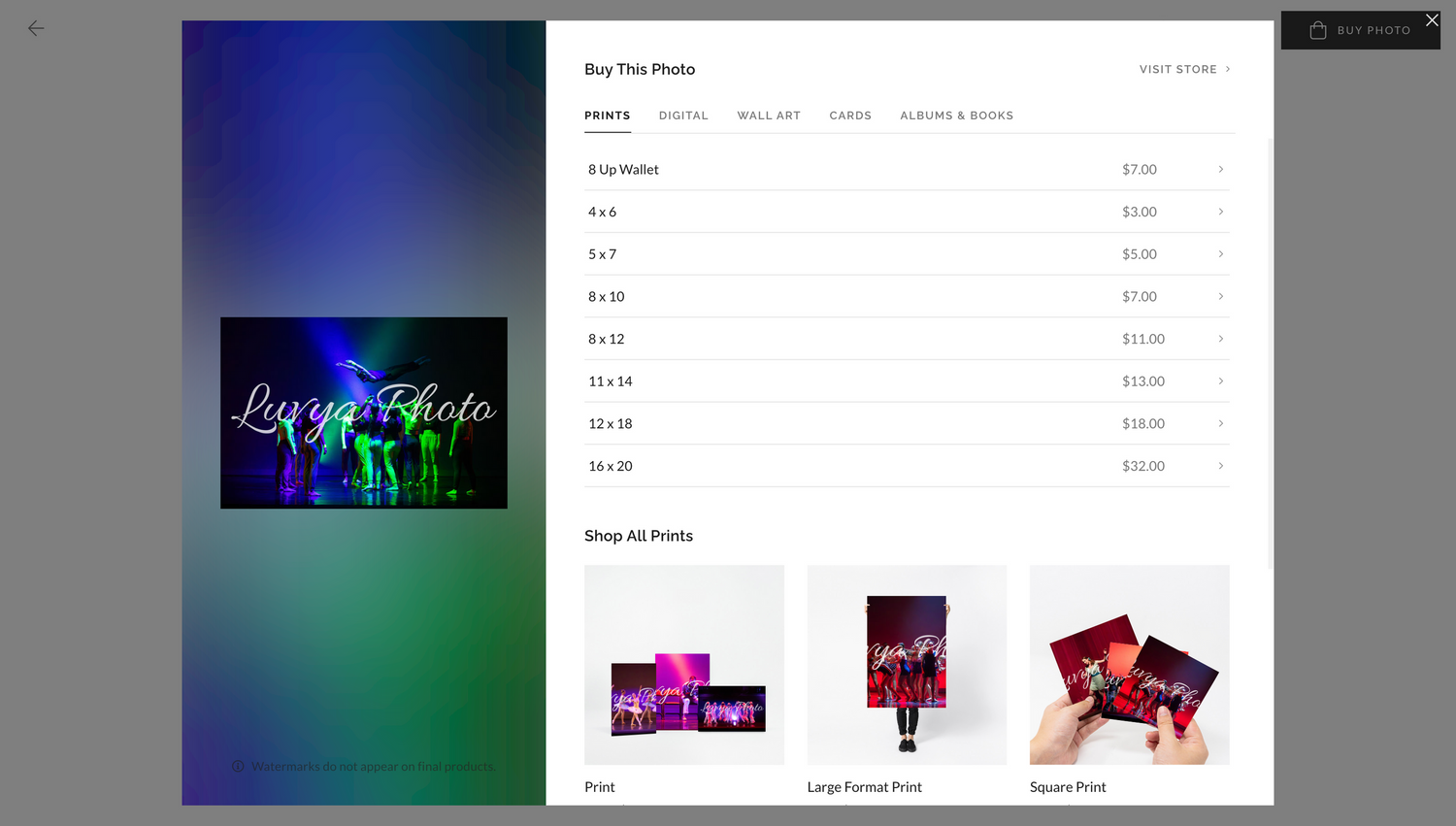
3.Fill out the specifications of the product you are ordering. (Ex: Prints select which sizing you would like from 8 Up Wallet to 19 x 20.)
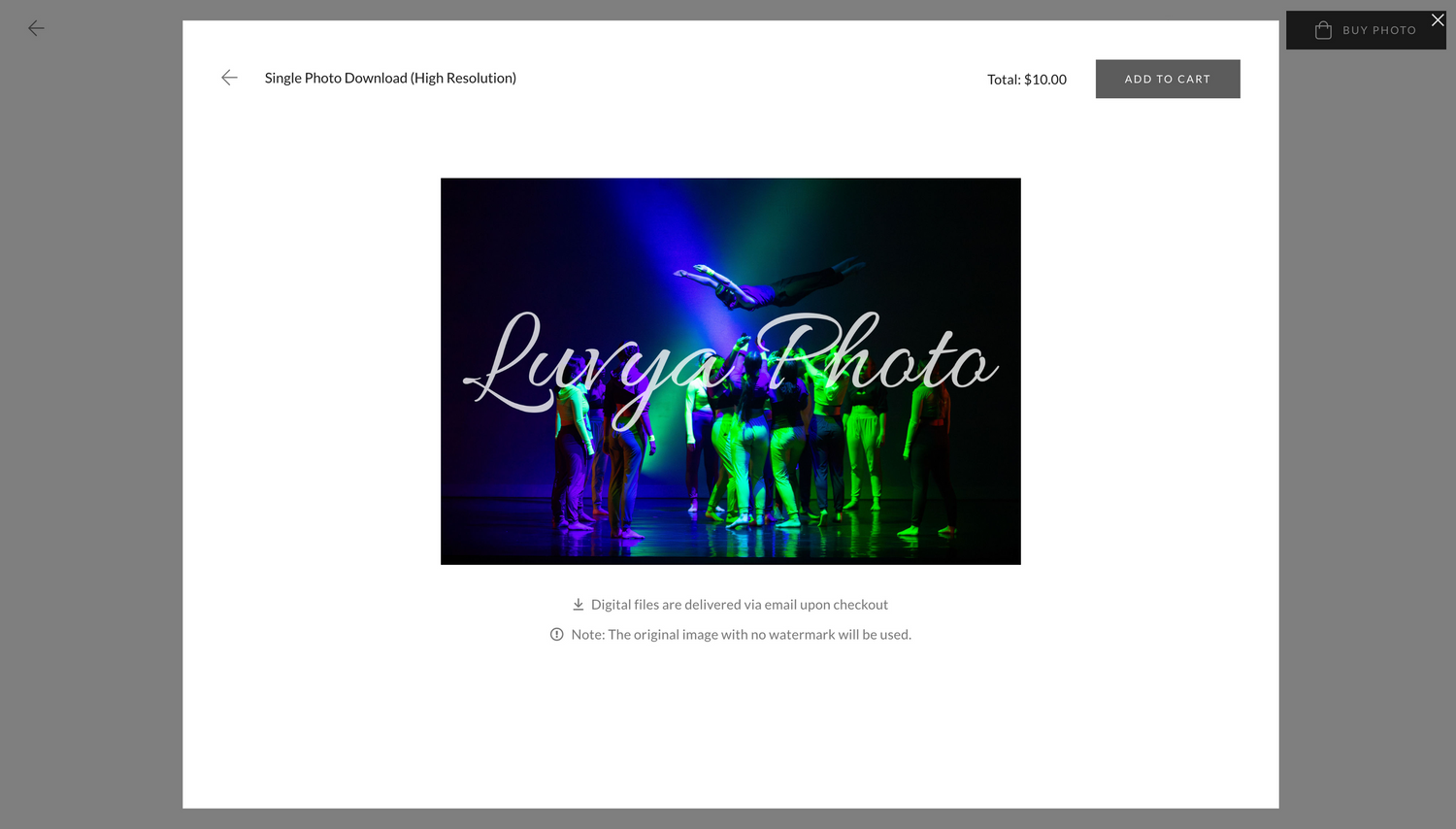
4.Click Add to Cart. Repeat steps 1-4 to order more digital downloads and prints in one order.
5.Once you have added all products you would like to order click on “View Cart” to finalize your order OR click the shopping cart icon located on the top right of the page.
6.If applicable, input any coupon codes.
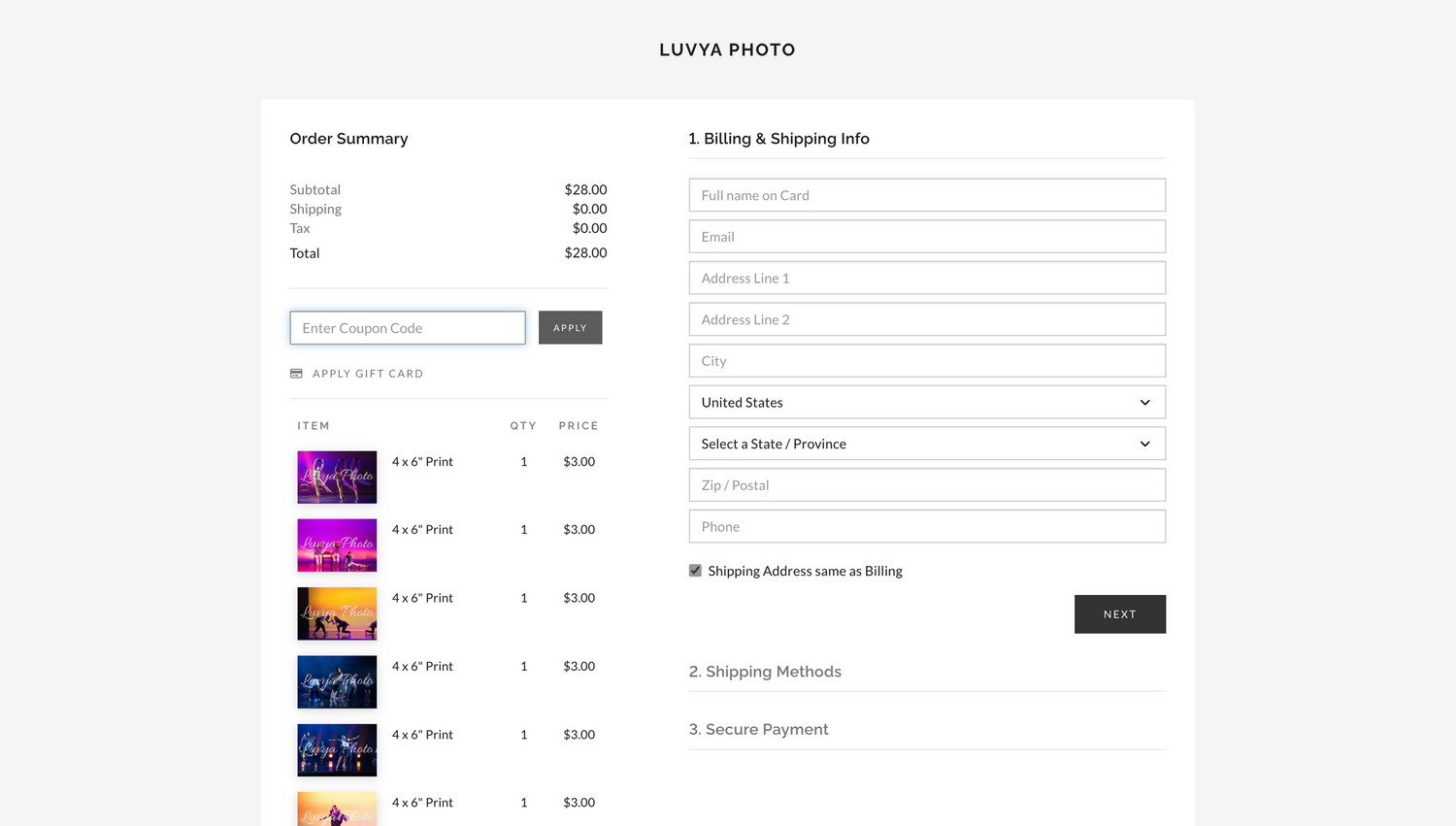
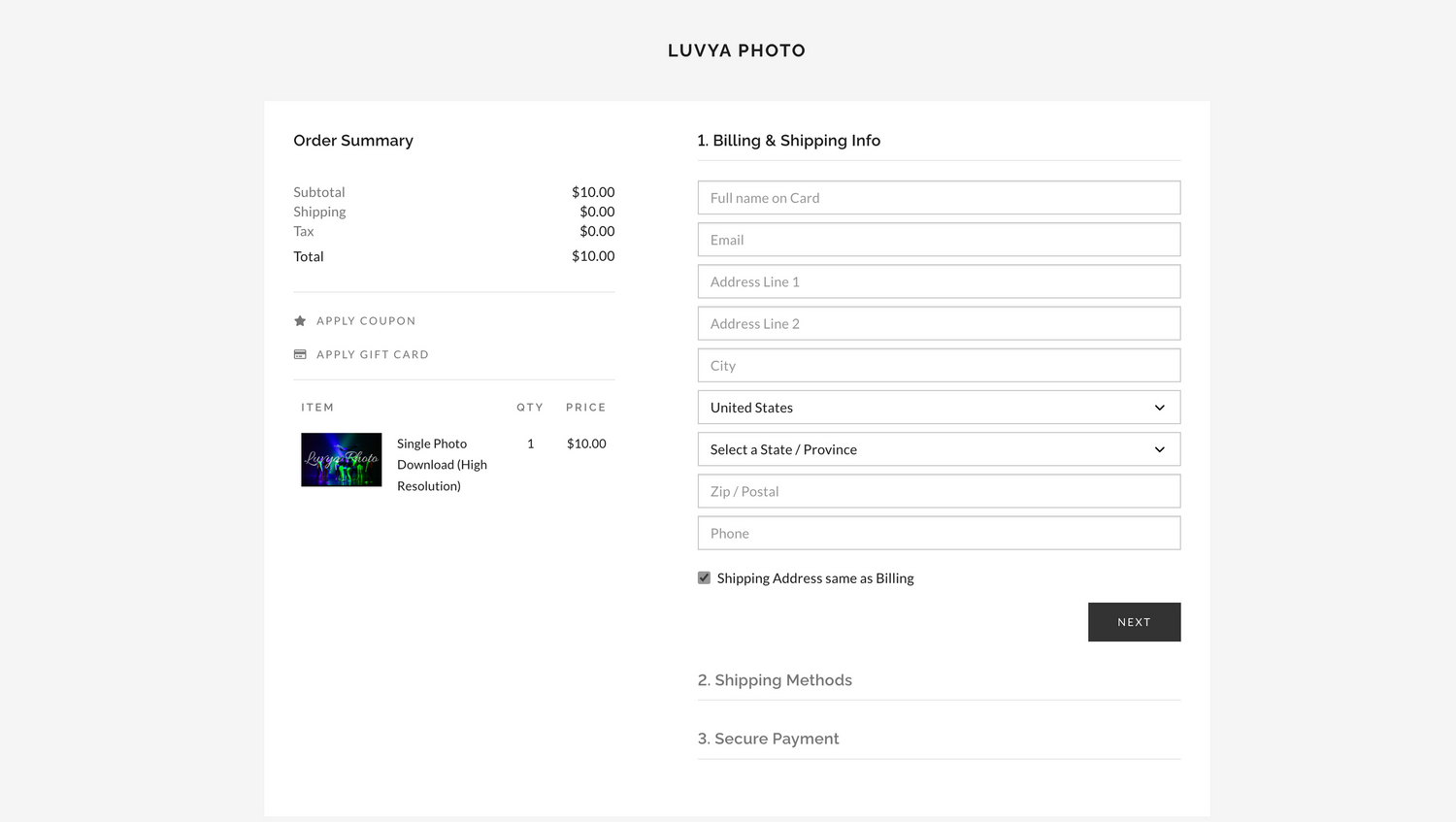
7.Fill out Billing & Shipping Info, Shipping Method, and Secure Payment (Card payments accepted are Visa, Mastercard, or American Express) and click place order.
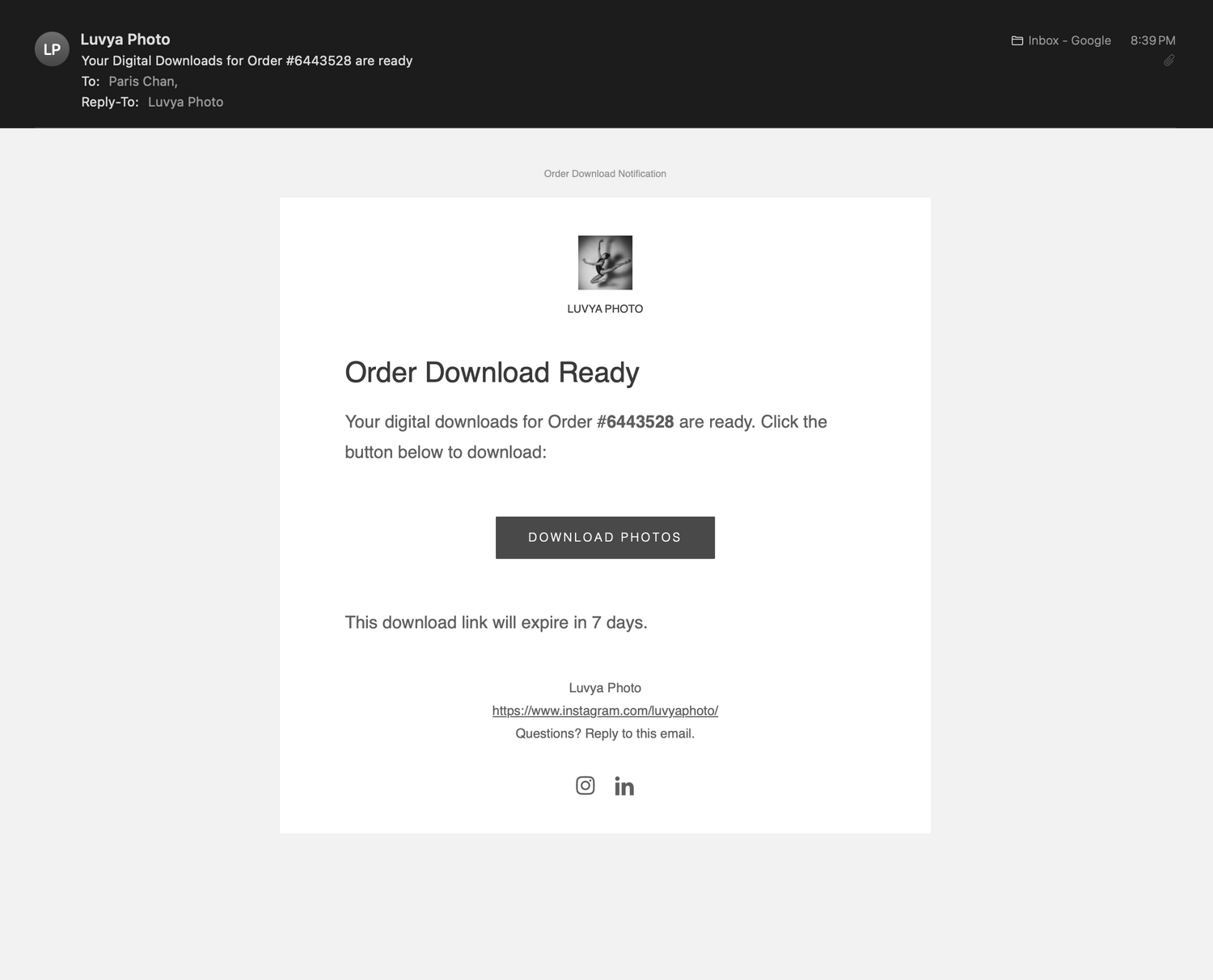
8.Check your email you inputted earlier for confirmation of order. If you ordered digital downloads, they will be sent to your email after ordering. Physical prints or products will take around 1-10 business days to ship to your address, depending on the shipping method selected.
Have any other questions?
Contact luvvyaaphoto@gmail.com or @luvyaphoto on Instagram.